
The Billing section is your hub for managing all client invoicing, payment tracking, and financial workflows. It handles the complete lifecycle from preparing invoices to delivering them to clients and reconciling payments in your accounting system.
What is Billing?
Billing encompasses all activities related to invoicing clients for work completed and tracking payments. It connects your time entries, expenses, and project work to financial records, ensuring accurate invoicing and payment reconciliation.
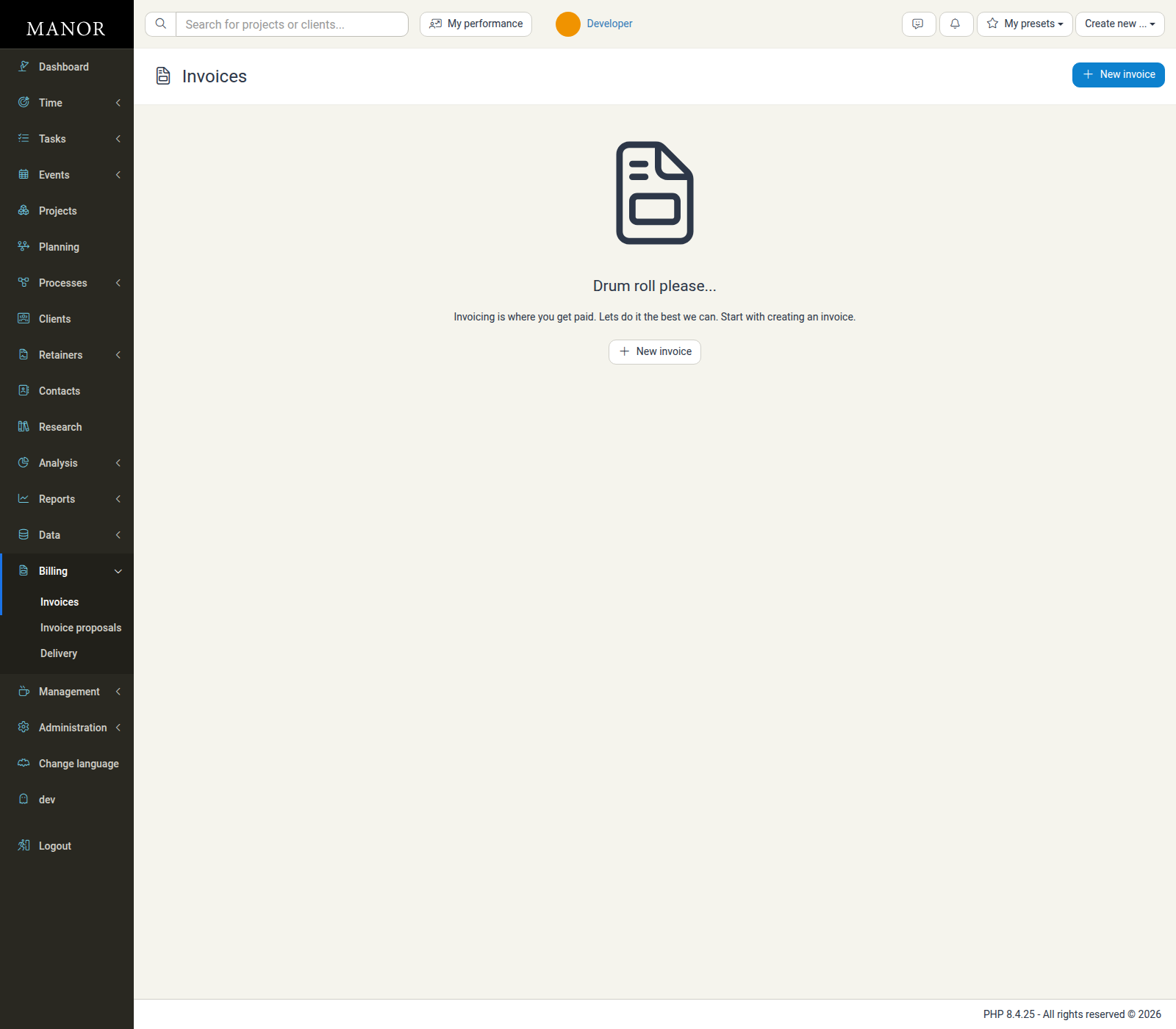
Billing Workflow
A typical billing workflow follows these steps:
- Work is logged - Employees log time, expenses, and other billables to projects
- Invoice is created - You prepare an invoice from billables (automatically or manually)
- Invoice is reviewed - Check accuracy and modify if needed
- Invoice is sent - Deliver via email or export for delivery
- Payment is tracked - Monitor which invoices have been paid
- Accounts reconcile - Export billing data to your accounting system
Key Billing Features
Invoices
Create professional invoices from billables. Manor can automatically group time entries, expenses, and products into line items and generate invoices.
Invoice Proposals
Preview invoices before finalizing them. Create invoice proposals to get client approval before generating the final invoice.
Invoice Splits
Divide project fees and costs among multiple clients by percentage. Manor automatically generates individual invoices for each paying entity with distinct buyer contacts and reference numbers.
Invoice Delivery
Track the invoice deliveries Manor performs and their status. Manor records the delivery attempts it performs when native invoicing or e-delivery is configured; you cannot manually mark an invoice as delivered.
Proforma Invoices
Create non-binding invoices for estimates, project quotes, or client approval. Proforma invoices don't affect accounting until converted to final invoices.
Automated Invoices
Set up automation rules to generate invoices on schedules (e.g., monthly or upon project completion). This saves time on manual invoice creation.
Invoice Setup & Configuration
Customize invoice appearance, templates, numbering schemes, payment terms, and accounting information.
Payment Tracking & Balances
Track invoice status (paid, unpaid, partial), manage client balances, and monitor outstanding payments.
External Accounting Integration
Connect Manor to accounting systems like Business Central, Payday, Regla, or DK accounting for automatic financial reconciliation.
Credit Invoices
Create credit notes to adjust or reverse previously sent invoices for refunds or corrections.
When to Use Billing
You'll use the Billing section to:
- Create and send invoices — Generate invoices from completed work
- Track payments — Monitor which invoices have been paid
- Manage discounts — Apply special pricing or volume discounts to invoices
- Configure invoice splits — Allocate billing percentages across joint clients
- Verify invoicing rules — Ensure invoices follow your billing agreements
- Integrate accounting — Export billing data to your accounting system
- Handle corrections — Create credit notes for adjustments
Who Uses Billing?
Typically, finance managers, billing administrators, and senior managers use the Billing section to prepare and manage invoicing. Project managers may view billing information for their projects, but usually don't have full billing management access.
Billing and Other Sections
Billing connects with other parts of Manor:
- Time Tracking — Time entries become billable items that appear on invoices
- Projects — Projects contain the billables that are invoiced
- Clients — Client records store billing information and payment history
- Data — The Data section shows all billables that feed into invoices
- Analysis — Track billed vs. unbilled revenue over time
- Management — Configure invoice setup, templates, and accounting periods
Project-specific billing configurations, such as project billing type, VAT, language, budget warnings, and buyer references, are managed on the project itself. For details, see Project Billing Settings.
Related Topics
- For creating and managing invoices, see the Invoices documentation
- For dividing project costs among multiple clients, see the Invoice Splits documentation
- For invoice proposals and pre-approvals, see the Invoice Proposals documentation
- For non-binding estimates and quotes, see the Proforma Invoices documentation
- For tracking invoice delivery, see the Invoice Delivery documentation
- For setting up automated invoicing, see the Automated Invoices documentation
- For invoicing setup and configuration, see the Invoice Setup documentation
- For accounting system integration, see the Business Central Integration or other integration guides
- For managing client balances and payments, see the Balances Overview and Balances documentation
- For configuring billing on a specific project, see Project Billing Settings