
What is Research?
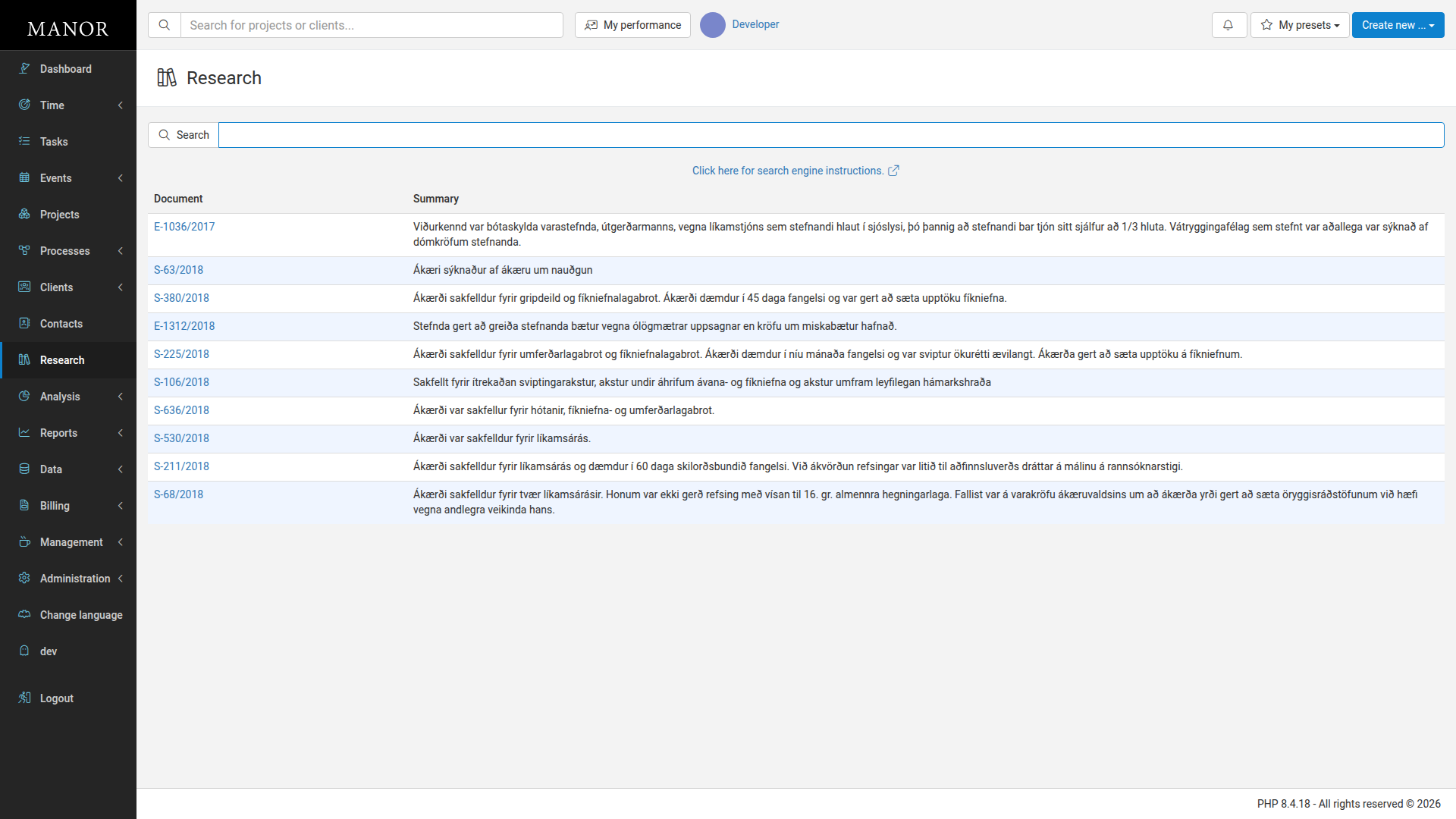
The Research section helps you search for and organize legal documents, case law, court decisions, and other reference materials. You can search a database of documents, view detailed information, and copy research documents directly to your projects for easy access and reference during case work.
Accessing Research
- From the main navigation, click Research.
- You'll see the research search interface with a searchable database of documents.
Searching for Documents
To find a research document:
- Click in the Search field
- Enter a keyword, case number, party name, or other relevant search terms
- Click Search or press Enter
- Results will display in the table below, showing the Document name and Summary
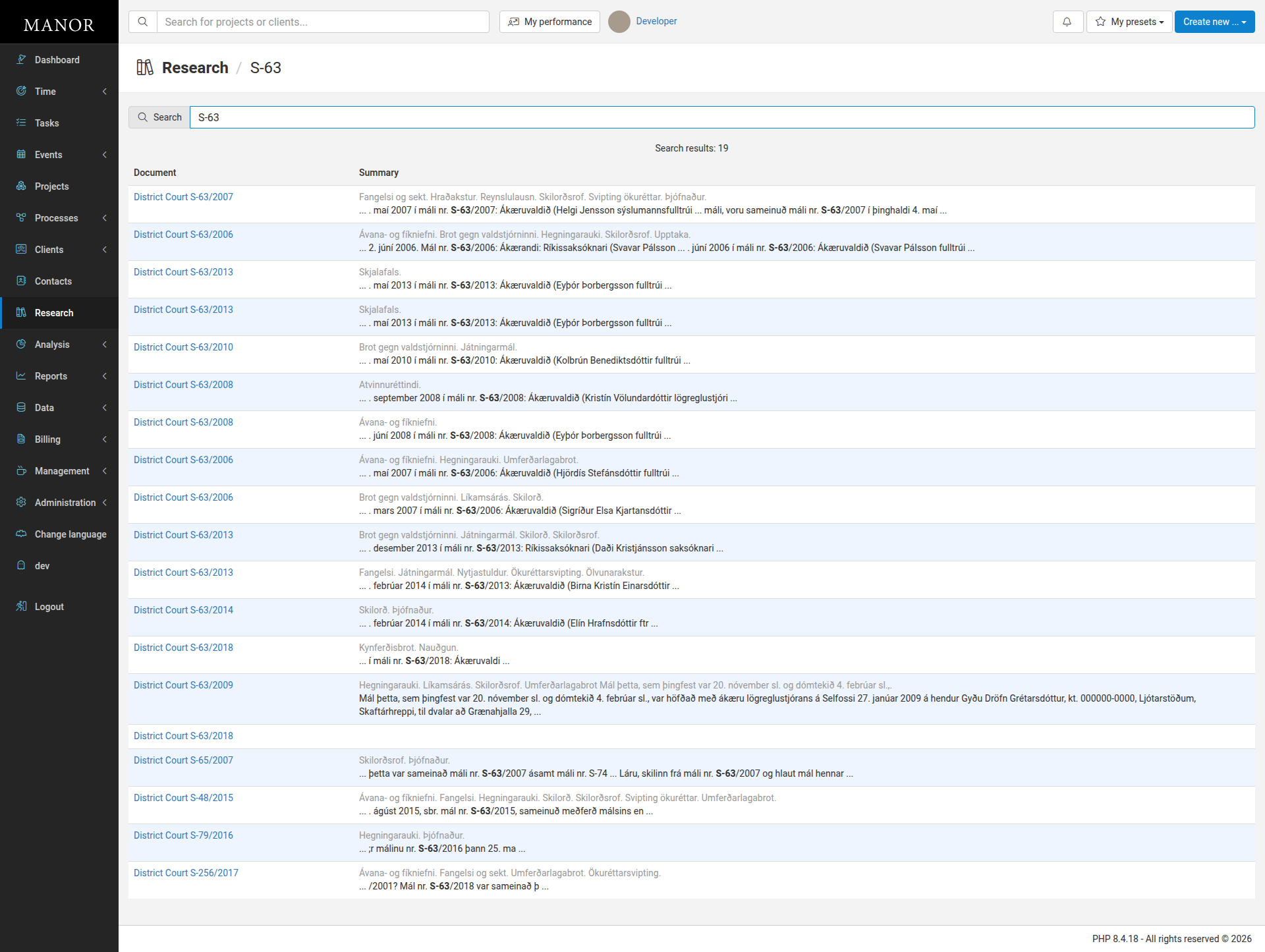
For advanced search features, click Click here for search engine instructions to access the full search documentation.
Viewing Document Details
To read a complete document:
- Click the document name or case number in the search results (e.g., "E-1036/2017").
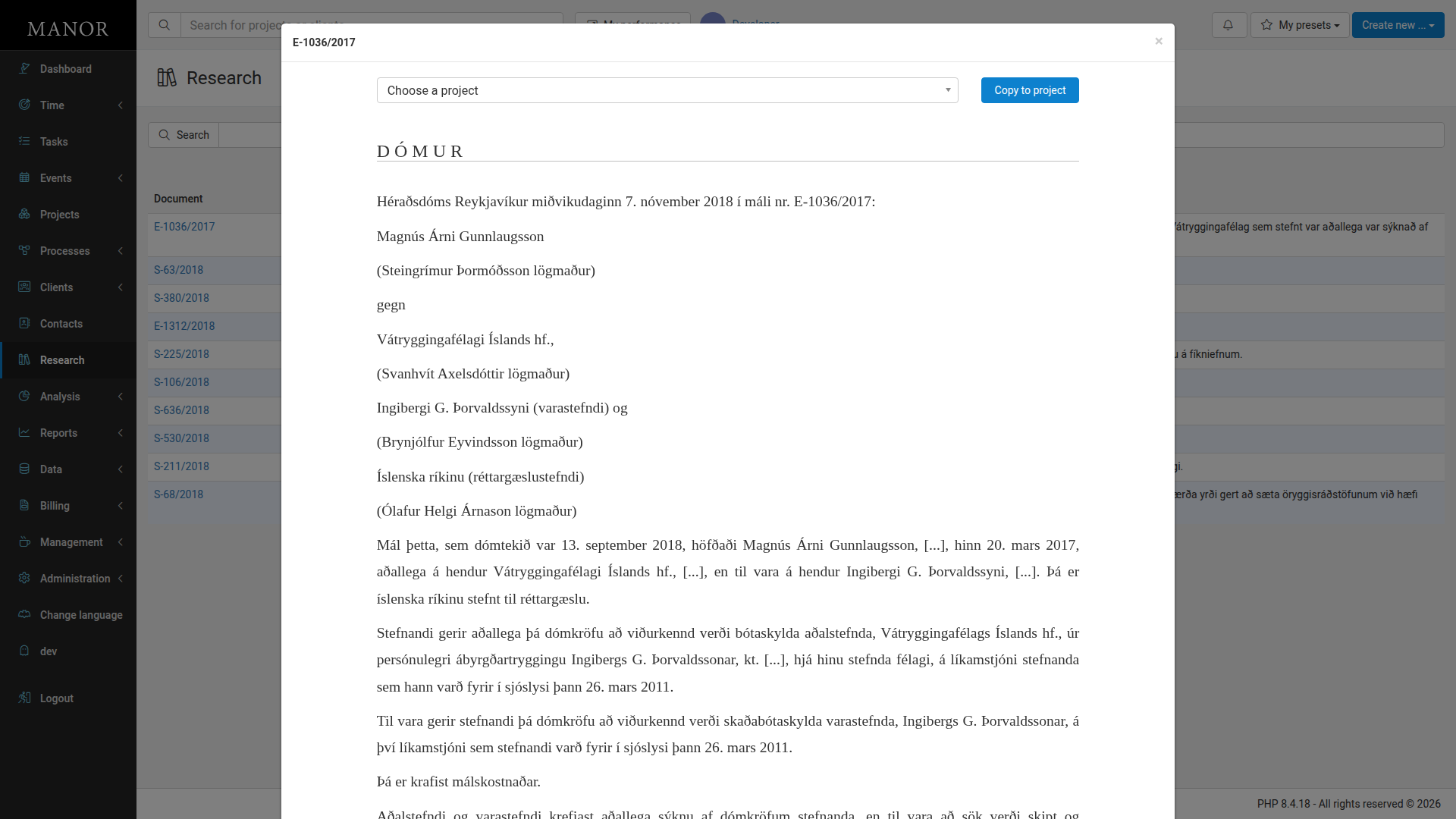
- A detail modal will open showing the full text of the document.
- Scroll through the document to read the complete ruling, decision, or legal text.
Copying Documents to a Project
To add a research document to your project:
- Open a document detail view by clicking on the document name
- In the Choose a project dropdown at the top of the modal, select the project where you want to save this reference
- Click Copy to project
- The document is now attached to your selected project for easy reference
Best Practices
- Use specific search terms - Include case numbers, party names, or key legal concepts to find relevant documents quickly
- Review the summary - The summary column gives you a quick overview before opening the full document
- Link to active projects - Copy important research documents directly to the projects they relate to, keeping all relevant reference material together
- Keep organized - Only copy documents to projects where they're genuinely relevant to avoid cluttering project information
Understanding Document References
Research documents include:
- Case numbers - Used for legal citations (e.g., "E-1036/2017", "S-63/2018")
- Summaries - Brief descriptions of the decision or ruling
- Full text - Complete court decisions, legal rulings, and detailed case information