
What are Framework Agreements?
Framework Agreements are contracts that establish standard rates and terms for multiple projects with a client. They define which employees can work at what rates, ensuring consistent pricing across all engagements with that client.
Why Framework Agreements Matter
Using framework agreements helps you:
- Ensure consistent pricing - Apply the same rates across all projects for a client
- Streamline project setup - Auto-apply correct rates when creating projects
- Control who can work on client projects - Specify which employees are authorized
- Improve forecasting - Use standardized pricing for revenue predictions
- Reduce admin work - Don't recreate rates for each new project
Creating a Framework Agreement
To create a new framework agreement:
- Navigate to Management → Pricing → Framework agreements.
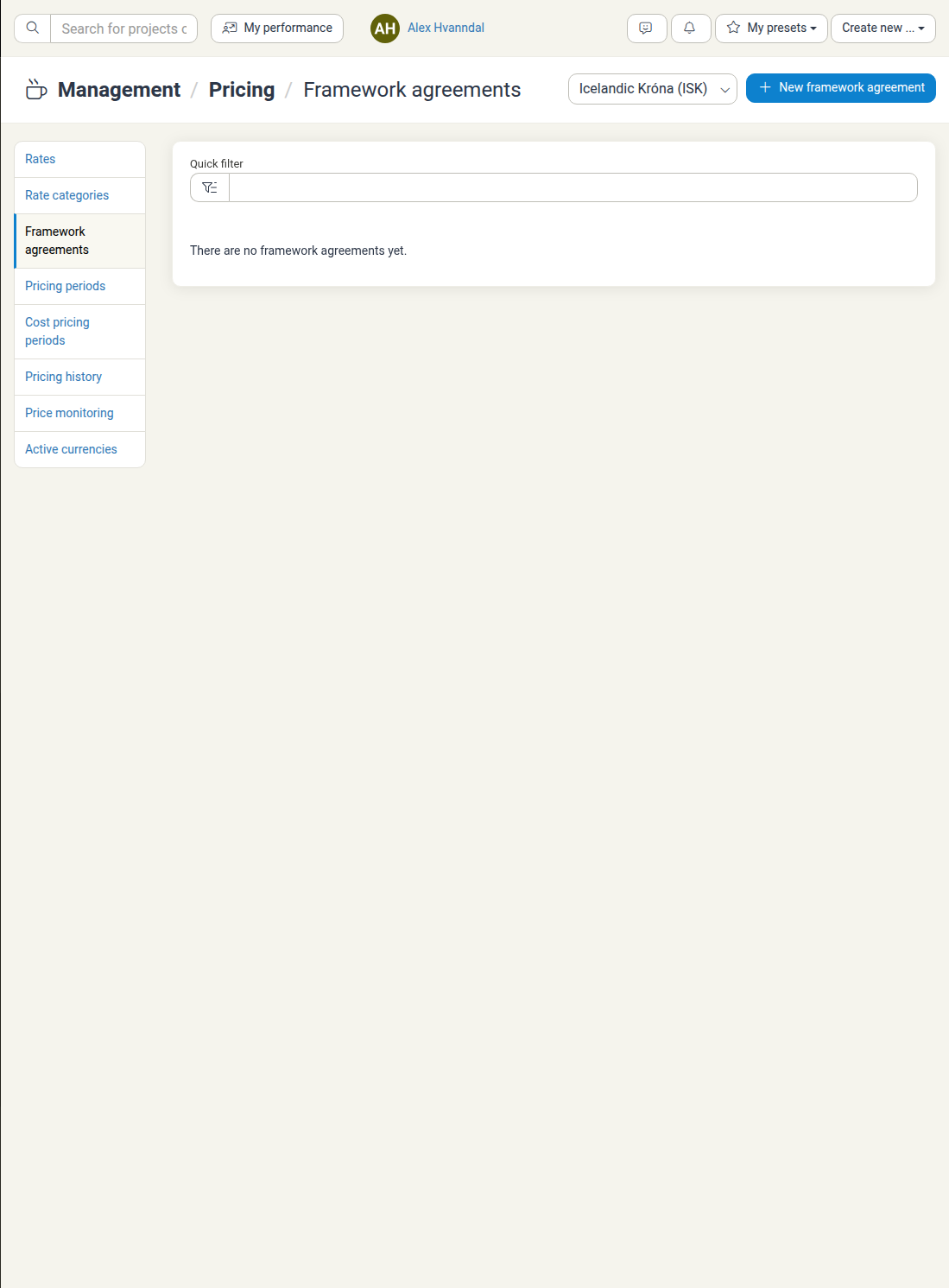
- Click New framework agreement.
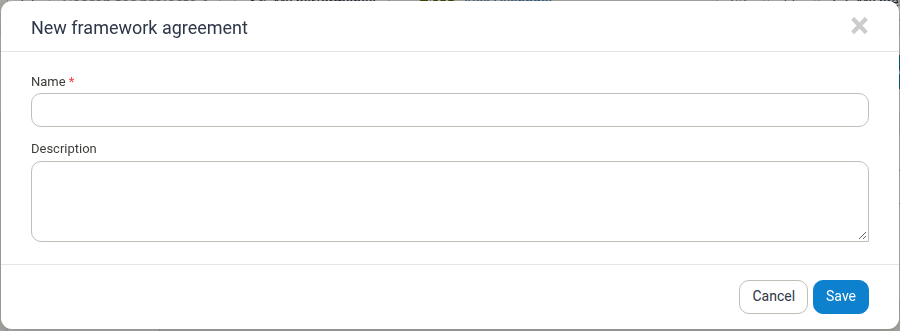
-
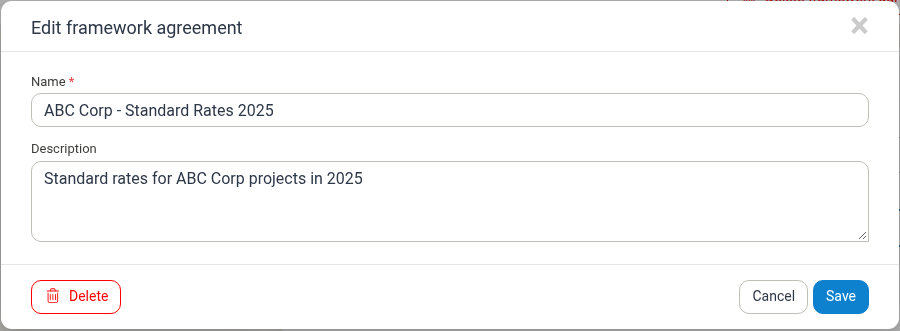
Fill in the agreement details:
Required Fields:
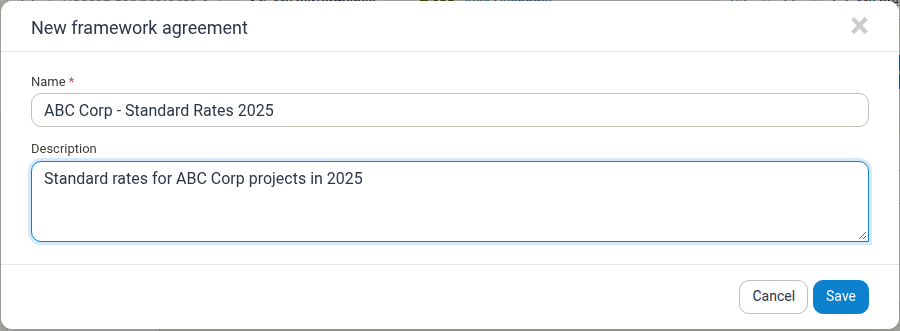
- Name: Clear identifier (e.g., "ABC Corp - Standard Rates 2025")
Optional Fields:
- Description: Terms, duration, or special conditions
-
Click Save.
Key Sections on a Framework Agreement
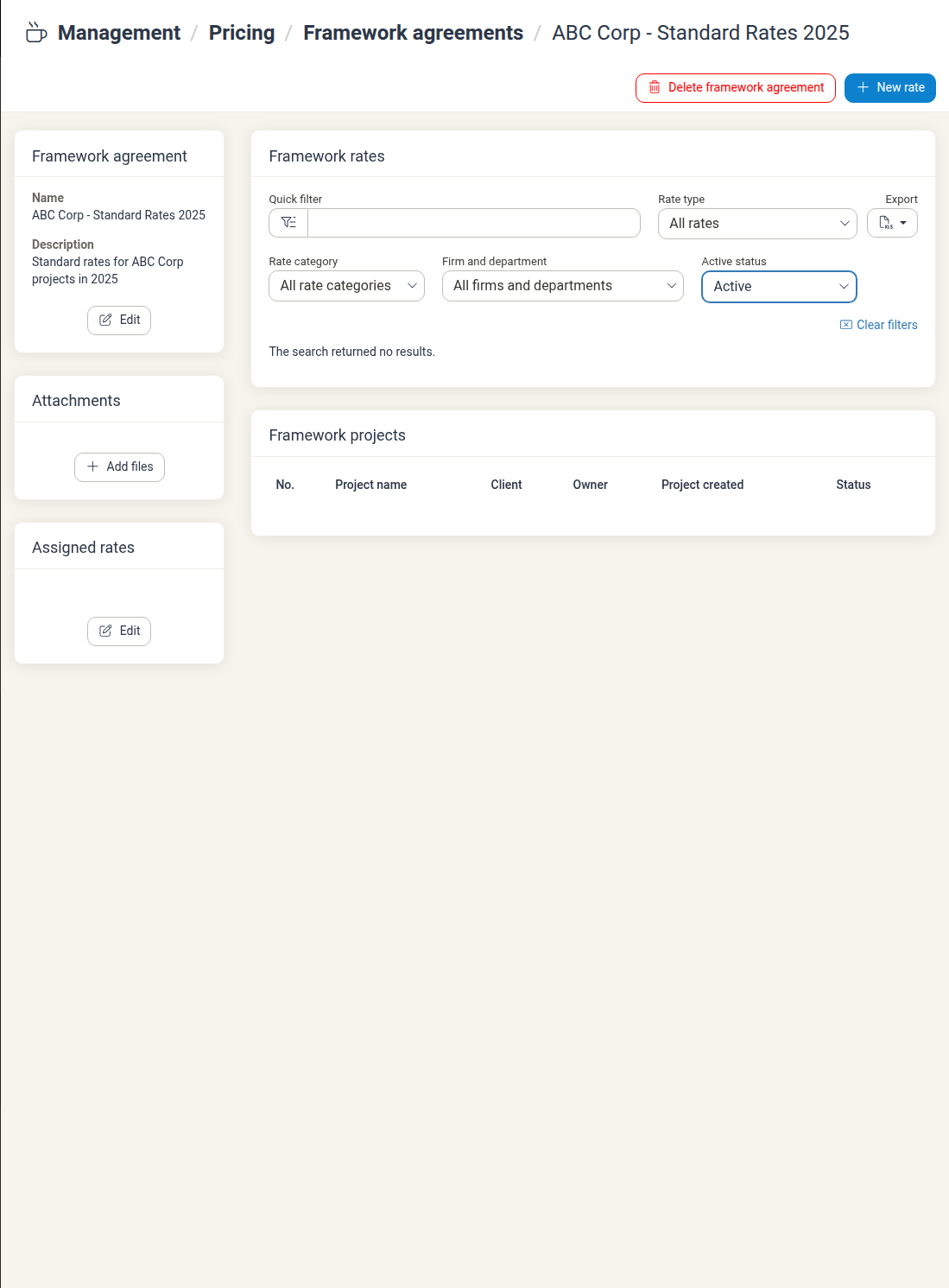
Framework agreement - Shows the agreement name, description, and allows you to edit these details.
Attachments - Attach supporting documents to the framework agreement.
Assigned rates - View and manage which rates are associated with this framework agreement. Click Edit to assign specific rates to the agreement.
Framework rates - Shows all rates configured for this framework agreement with filters by rate type, category, and firm/department.
Framework projects - Lists all projects that are using this framework agreement.
Finding and Managing Agreements
Finding Agreements
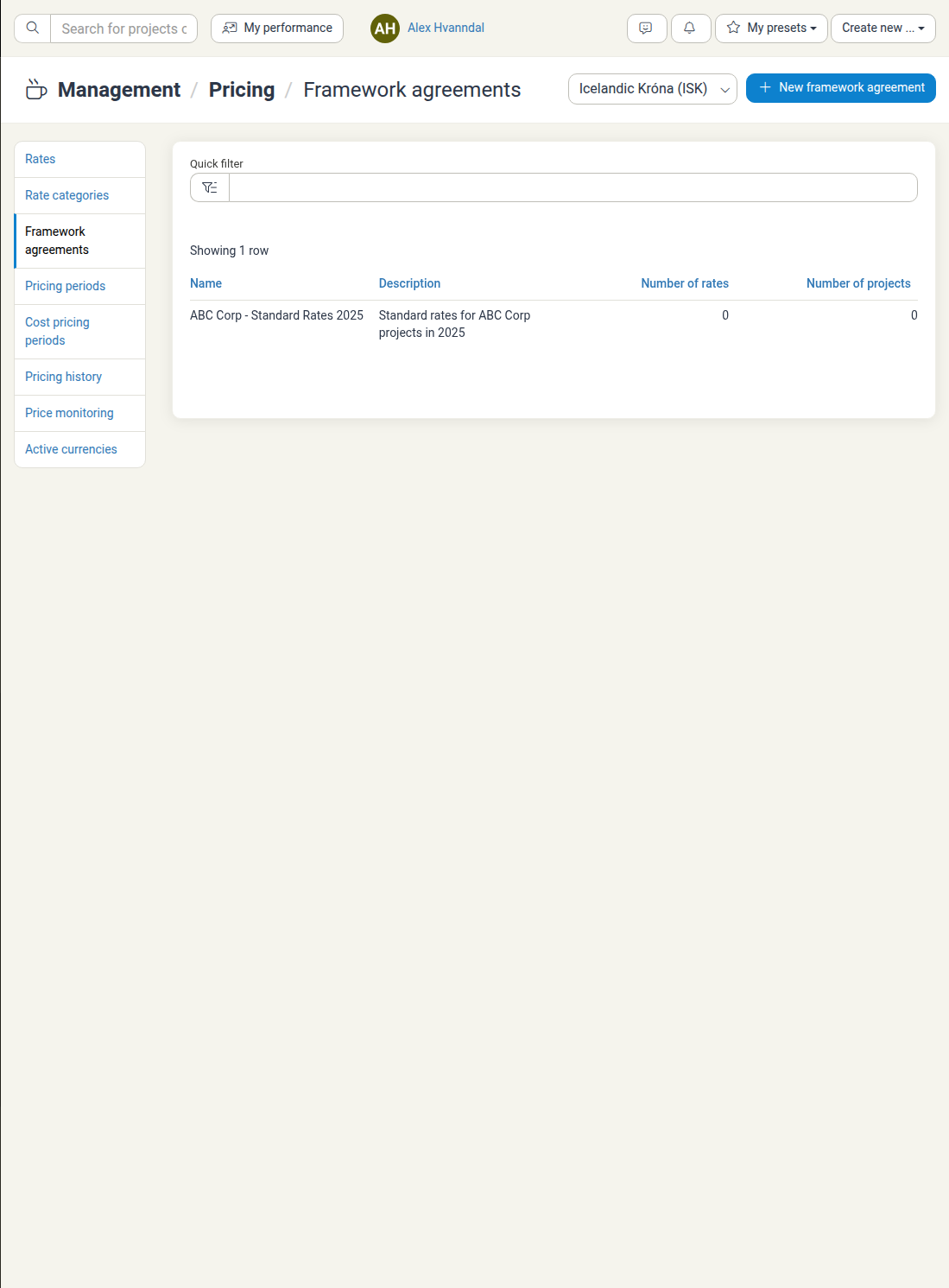
Navigate to Management → Pricing → Framework agreements. Your framework agreements appear in a list showing the name, description, number of rates, and number of projects using the agreement.
Editing Agreements
- Click on the agreement name in the list
- On the detail page, click Edit in the Framework agreement section
- Update the name or description as needed
- Click Save
Deleting Agreements
- Click on the agreement name to view details
- Click Delete framework agreement button
- Confirm the action
Using Framework Agreement Data
Rate Consistency
Track which rates are applied across different projects.
Profitability Analysis
Compare actual project performance against contracted rates.
Resource Planning
See which employees work under specific agreement terms.
Best Practices
Use Clear Naming Include client name and year for easy identification.
Add Detailed Descriptions Help your team know when to apply each agreement.
Review Annually Update agreements to reflect current rates and terms.