
Rate Categories are an optional way to organize rates. They do not affect pricing calculations directly but help organize the UI where rates are configured and displayed.
Key Fields & Their Meaning
- Name: The name of the rate category (e.g., "Standard Services", "Premium", "Support").
Managing Rate Categories
Rate Categories are managed in the Management section under Pricing → Rate Categories.
Creating a New Rate Category
To create a new rate category:
-
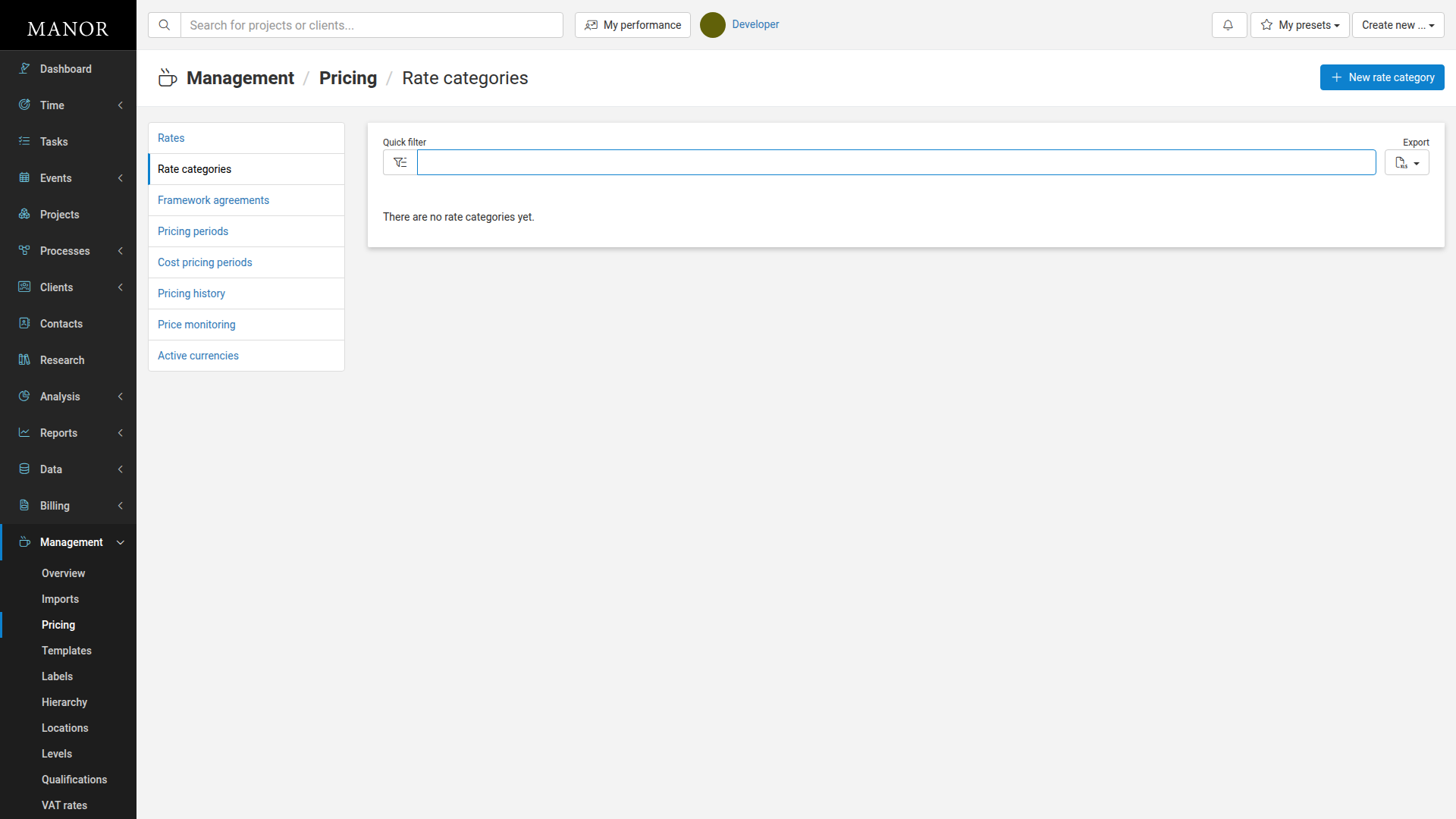
Navigate to Management → Pricing → Rate Categories.
-
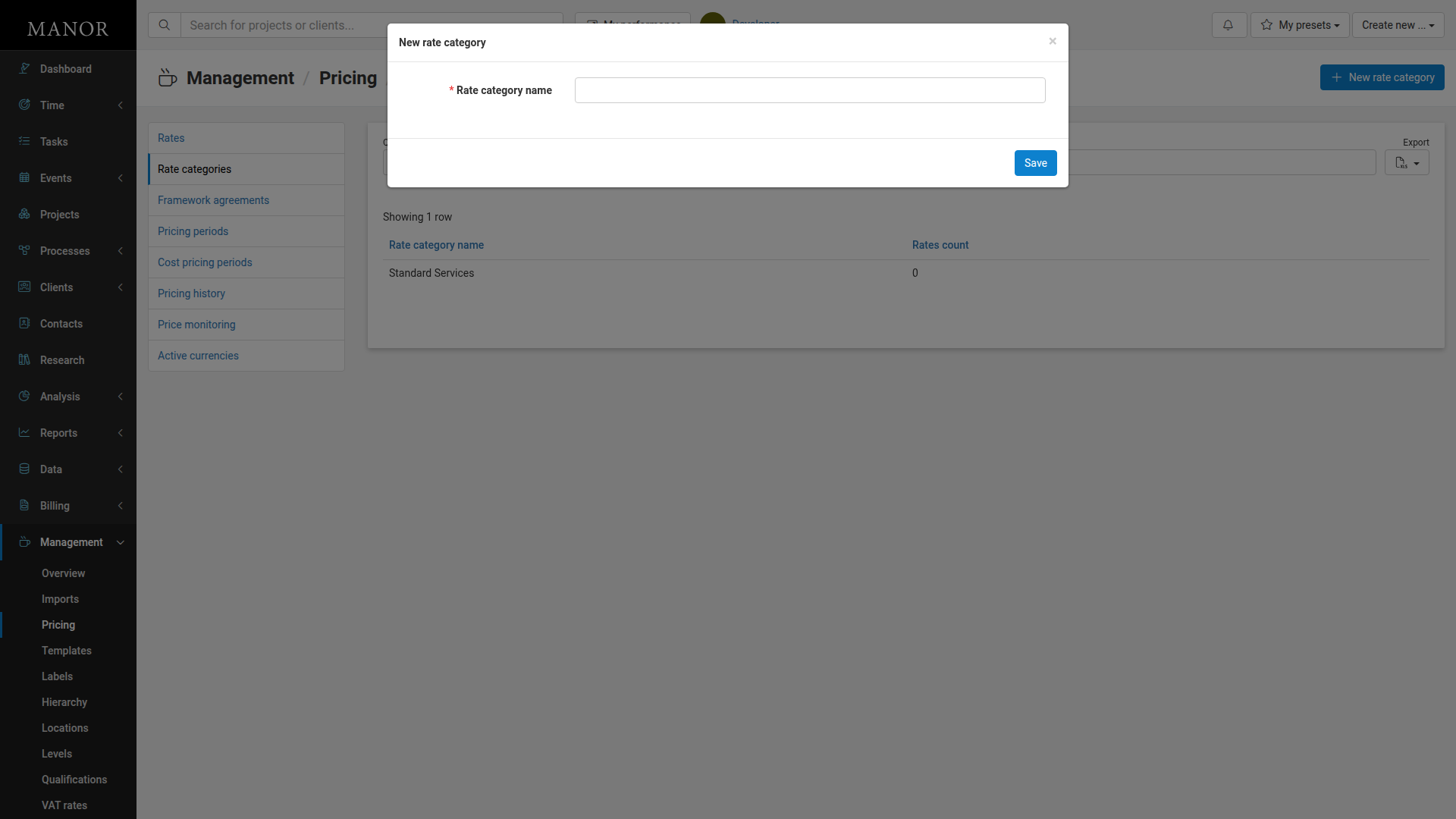
Click New rate category.
-
Enter the name of the rate category (e.g., "Standard Services").
-
Click Save.
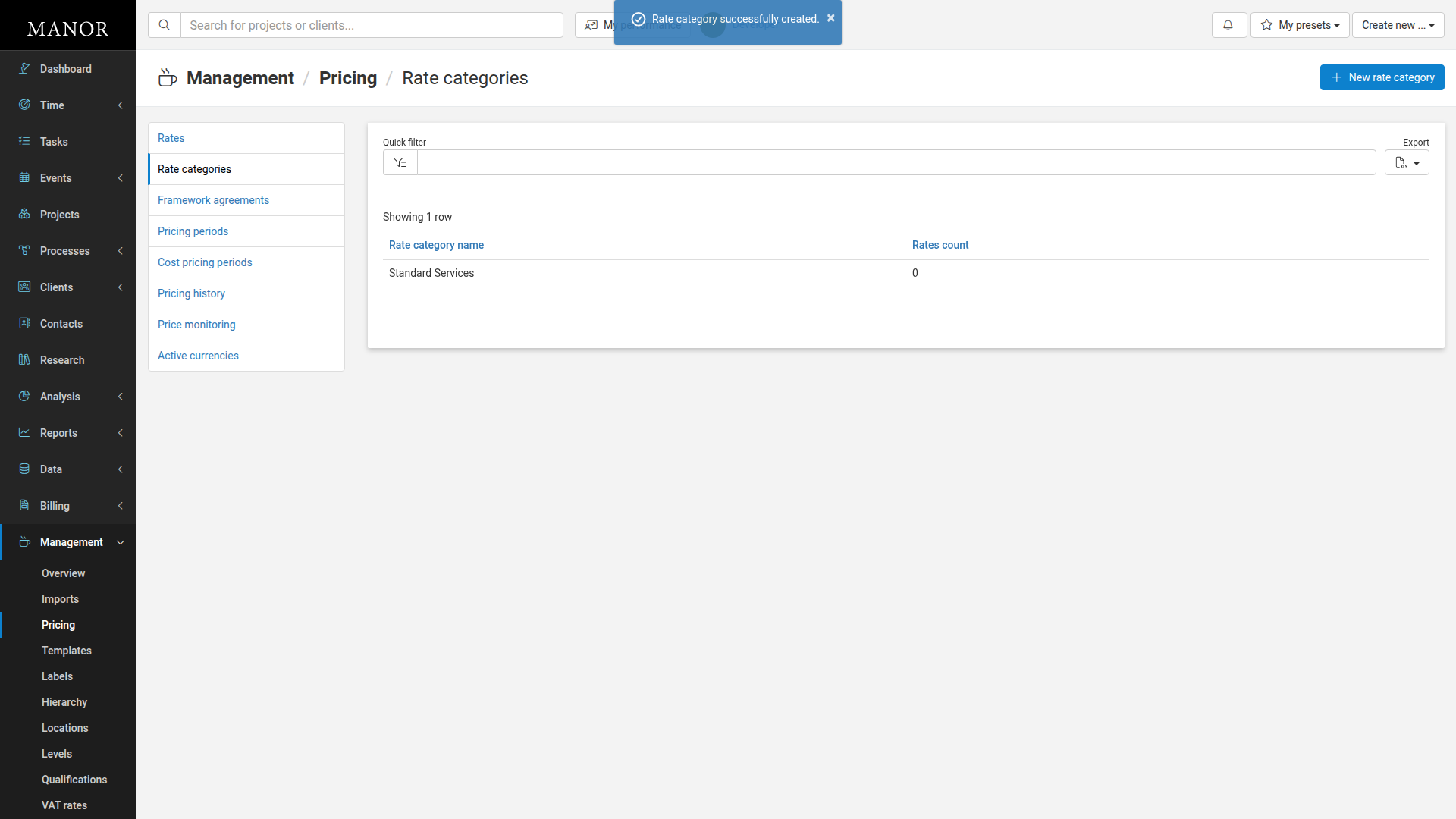
The rate category is created and appears in the list with a count showing how many rates are assigned to it.
Editing a Rate Category
To edit an existing rate category:
-
Navigate to Management → Pricing → Rate Categories.
-
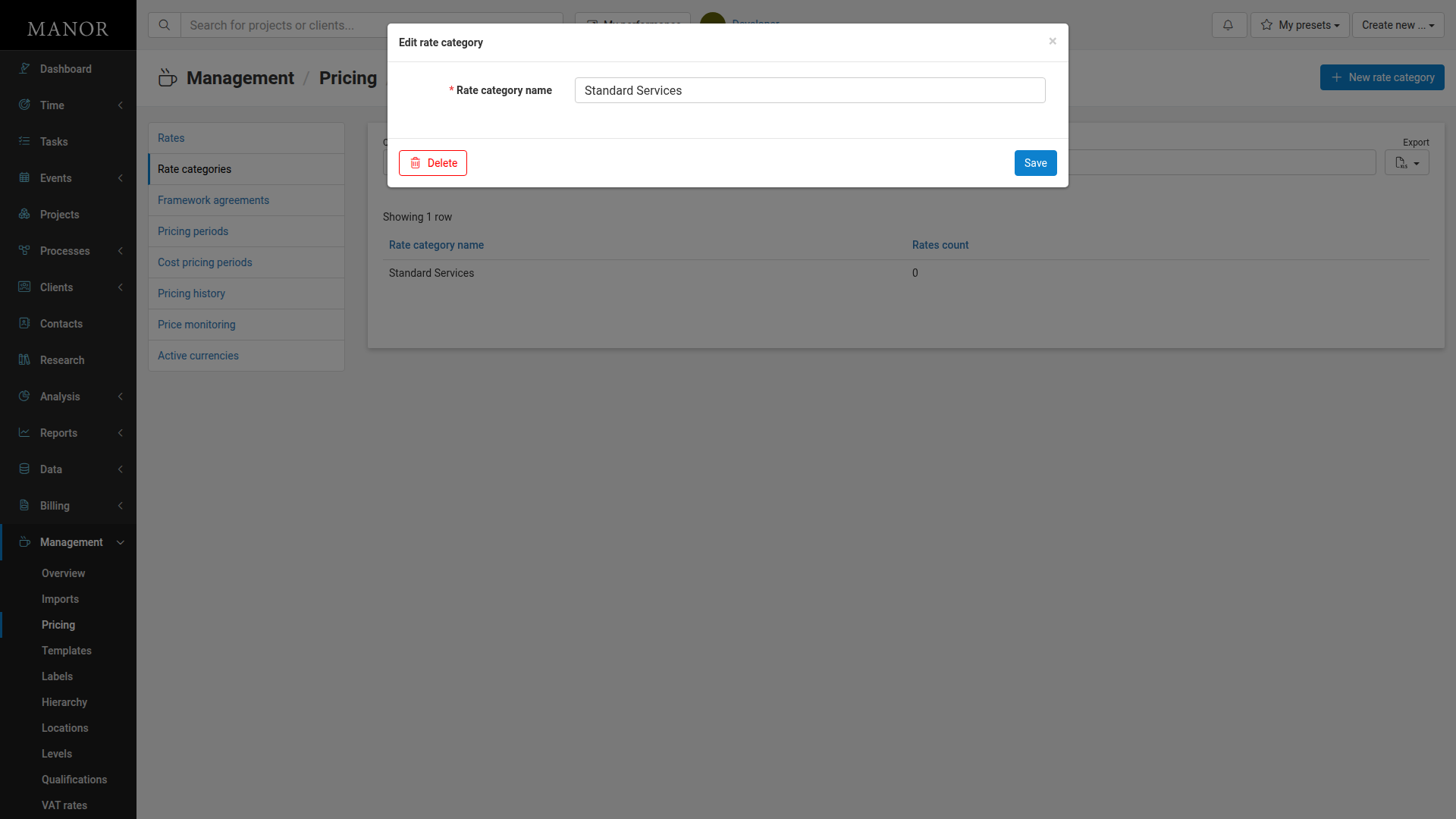
Click on the rate category name you want to edit.
-
Modify the name of the rate category.
-
Click Save.
Deleting a Rate Category
To delete a rate category:
- Navigate to Management → Pricing → Rate Categories.
- Click on the rate category you want to delete.
- Click the Delete button.
- Confirm that you want to delete the rate category.
Deleting a rate category will remove it from the system but does not affect rates that were assigned to it.