
Press ? to open the keyboard shortcuts dialog, which lists all available shortcuts:
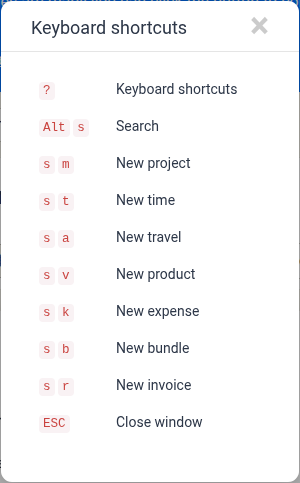
When you are not typing inside a text field, the following shortcuts are available:
| Key Sequence | Action |
|---|---|
? |
Keyboard shortcuts |
Alt + s |
Search |
s then m |
New project (matter) |
s then t |
New time entry |
s then a |
New travel entry |
s then v |
New product entry |
s then k |
New expense entry |
s then b |
New bundle entry |
s then r |
New invoice |
ESC |
Close modal / window |