
Introduction (Purpose & Benefit)
Cost Prices represent the estimated cost of a rate for a specific pricing period. They allow you to track the changing costs associated with a rate over time. This is important for accurate pricing and profitability analysis. By maintaining accurate cost prices, you can ensure that your rates are set appropriately to cover your expenses and generate a profit.
Key Fields & Their Meaning
- Rate: The rate to which this cost price applies.
- Pricing Period: The specific period for which this cost price is valid.
- Cost Price: The estimated cost for the rate during the pricing period.
Creating and Managing Cost Prices
Cost prices can be set and managed in two ways:
1. On a rate directly: When editing a rate (Management > Pricing > Rates), a Cost price field is available on the rate edit form. This allows you to set the cost price for that specific rate.
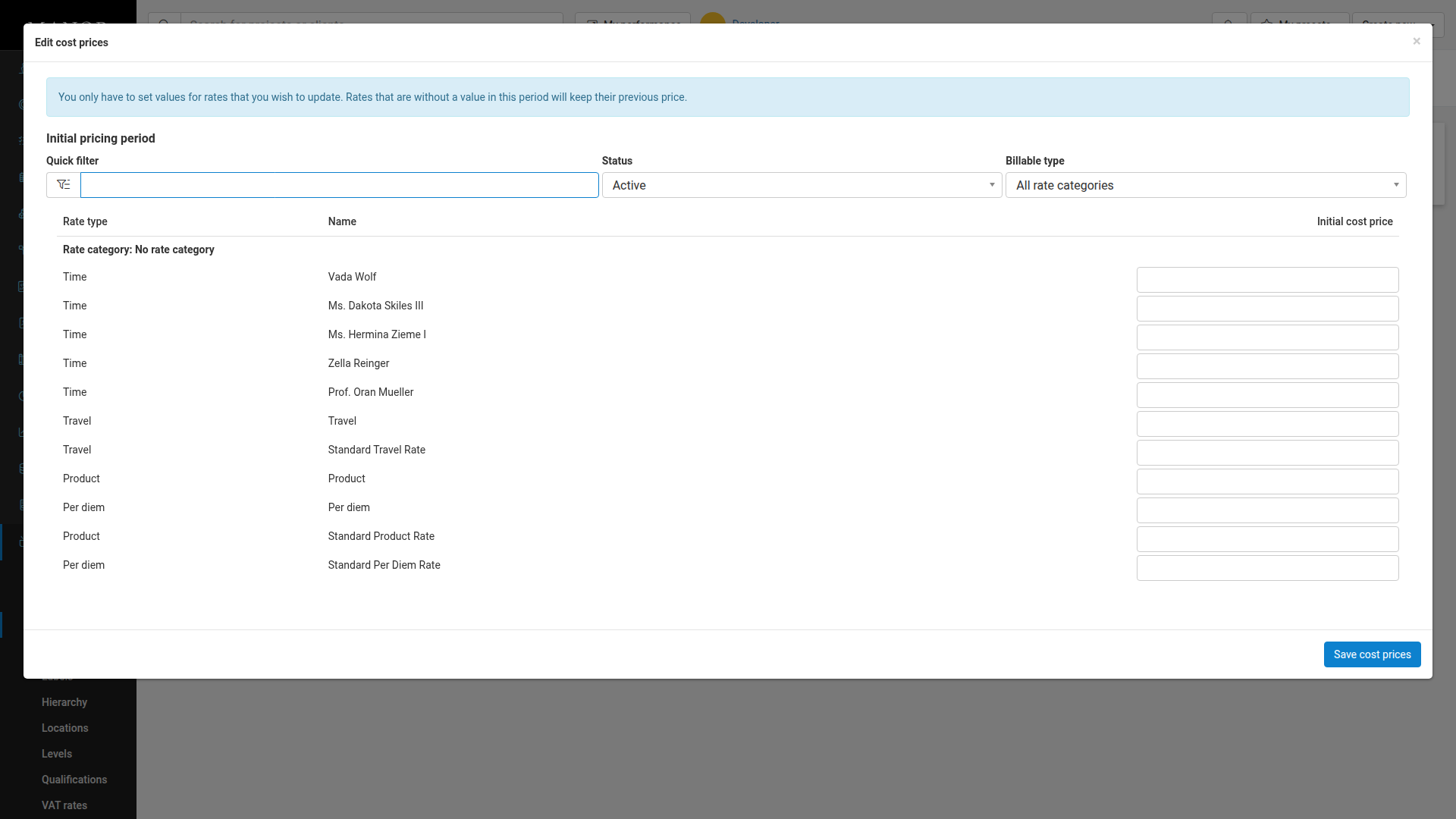
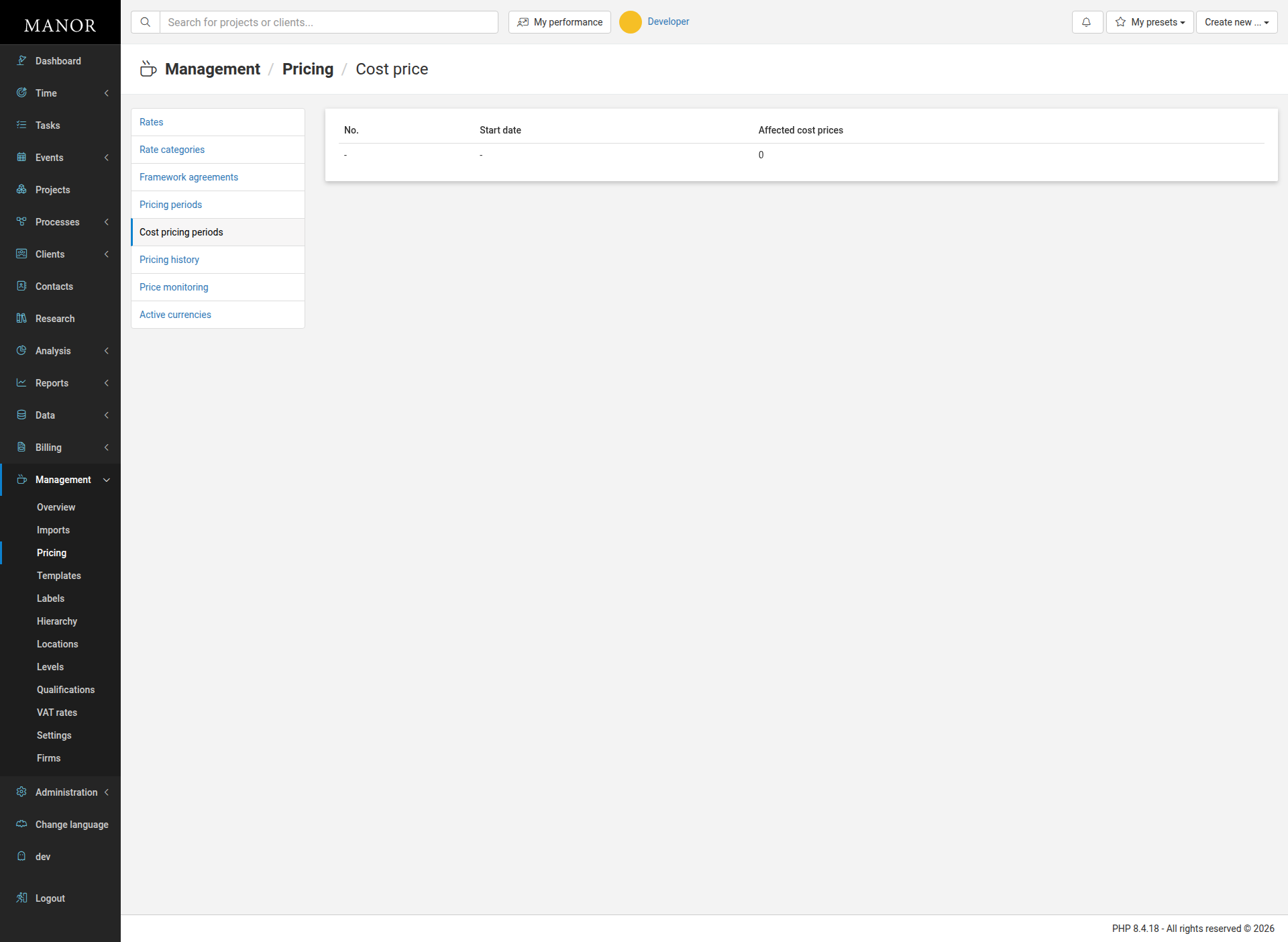
2. Via cost pricing periods: Navigate to Management > Pricing > Cost pricing periods. This page lists pricing periods with the number of affected cost prices for each. You can click the number in the "Affected cost prices" column to open an edit form where you can set cost prices for multiple rates at once.
Reporting & Analysis (How this record helps track revenue/efficiency)
By tracking cost prices, you can analyze the profitability of your rates over time. This information can be used to adjust your rates to maintain profitability.