Levels represent an employee's level of seniority within the company. They help organize your team by organizational hierarchy for reporting purposes.
Creating a New Level
To create a new level:
-
Navigate to Management.
-
Click Levels.
-
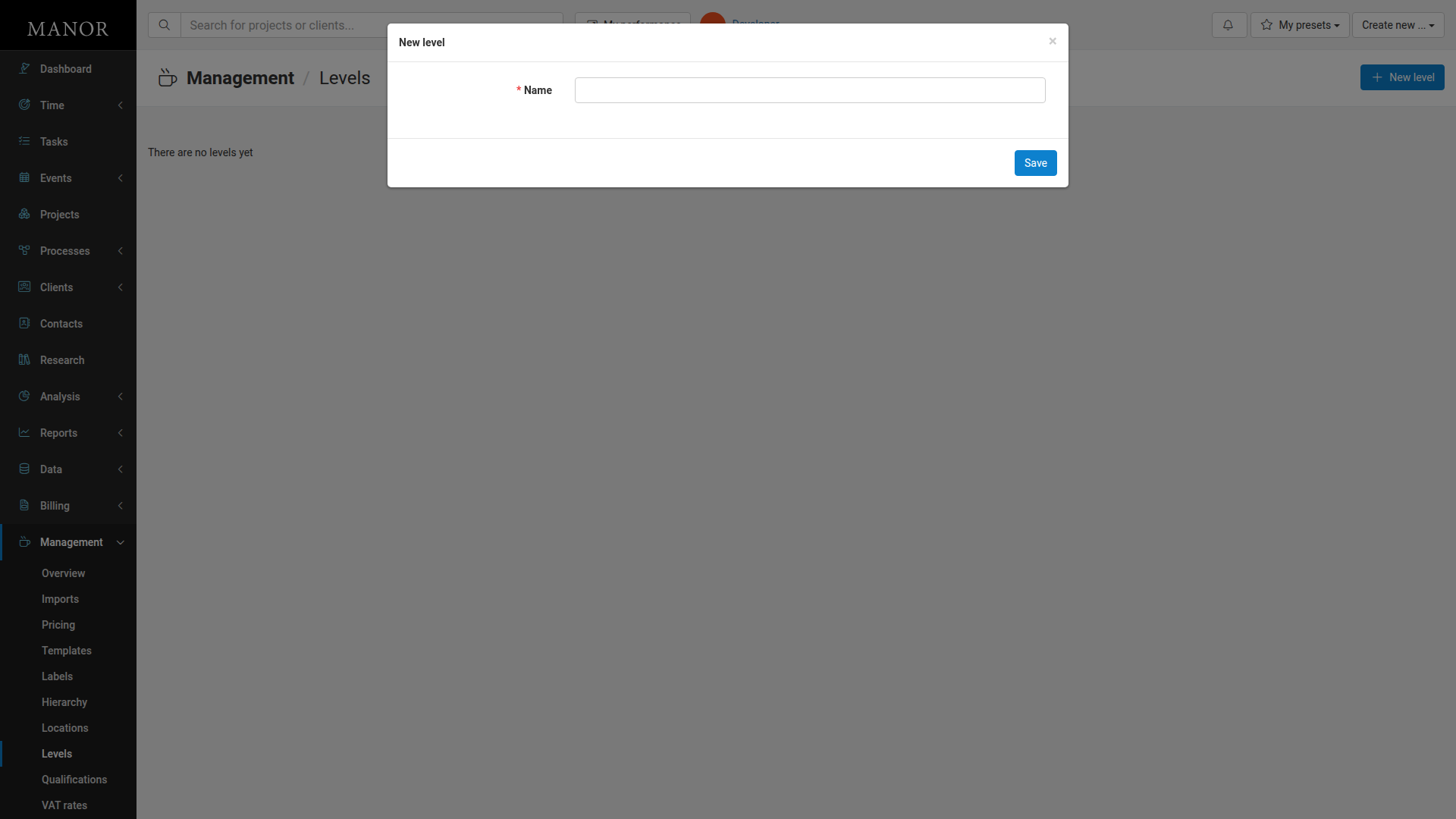
Click New level.
-
Enter the Name of the level (e.g., Junior, Senior, Manager).
-
Click Save.
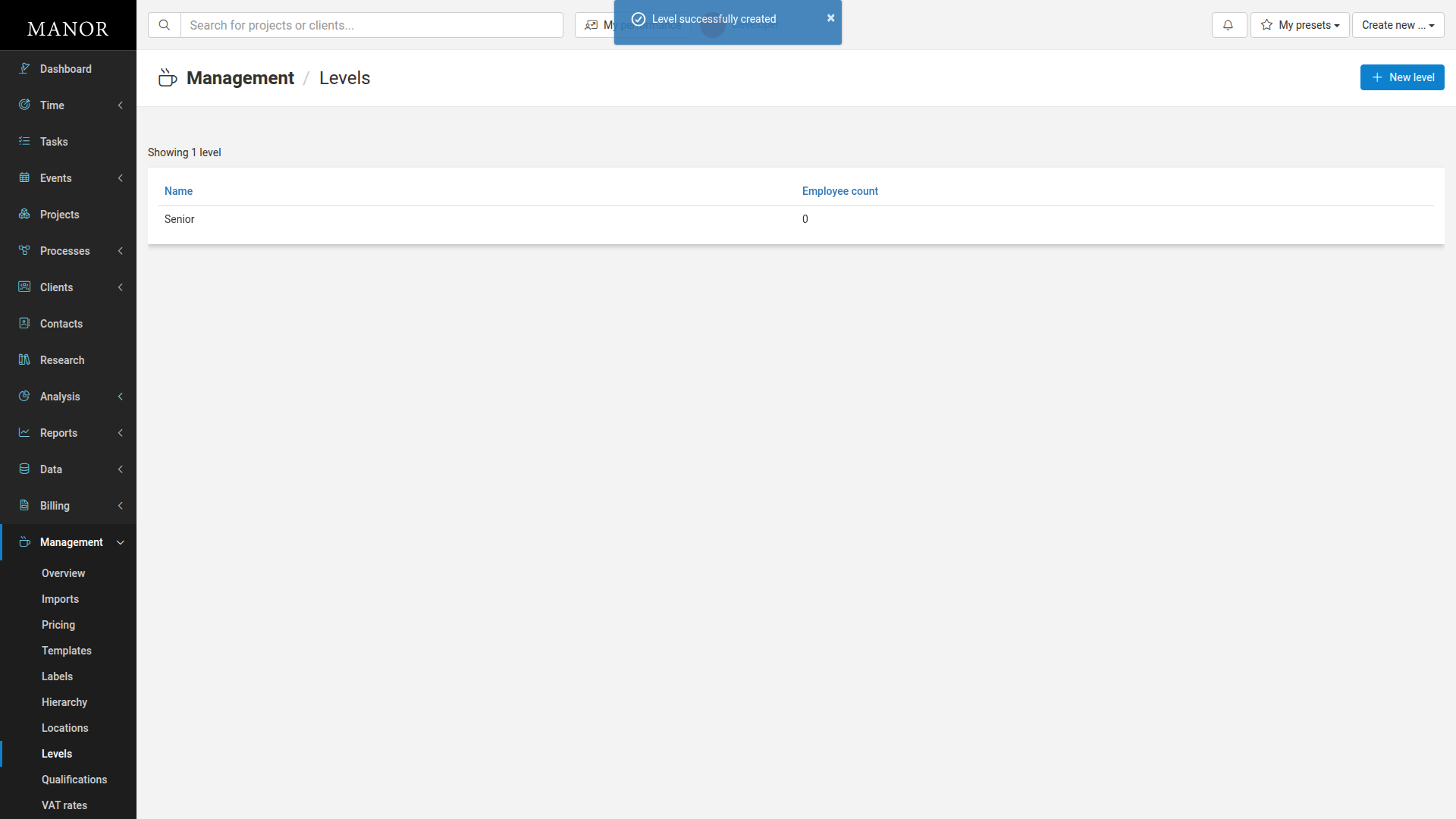
The level is now created and appears in the levels list.
Viewing Levels
All levels appear on the Levels page in a table format. The Levels list displays each level with these columns:
- Name — The name of the level (clickable to edit)
- Employee count — The number of employees assigned to this level